Product rendering gives buyers a still image they can inspect at their own pace. Product animation shows motion or a change between two states. Start with a still if buyers need to see what the product looks like. Choose a short video if they need to see how it moves.
One fitting, two ways to show it
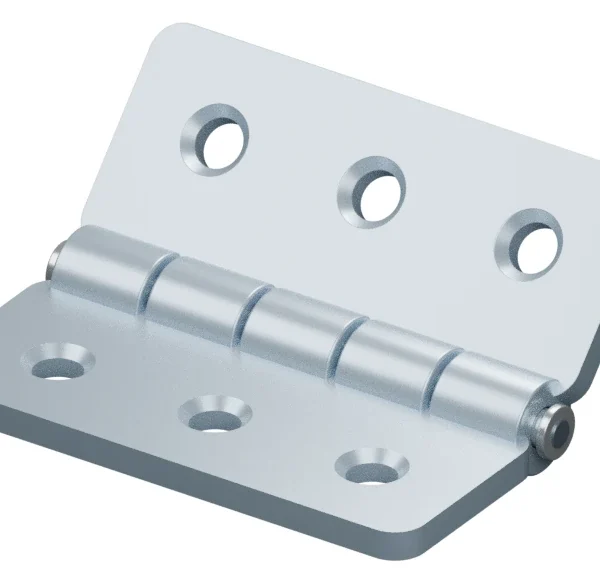
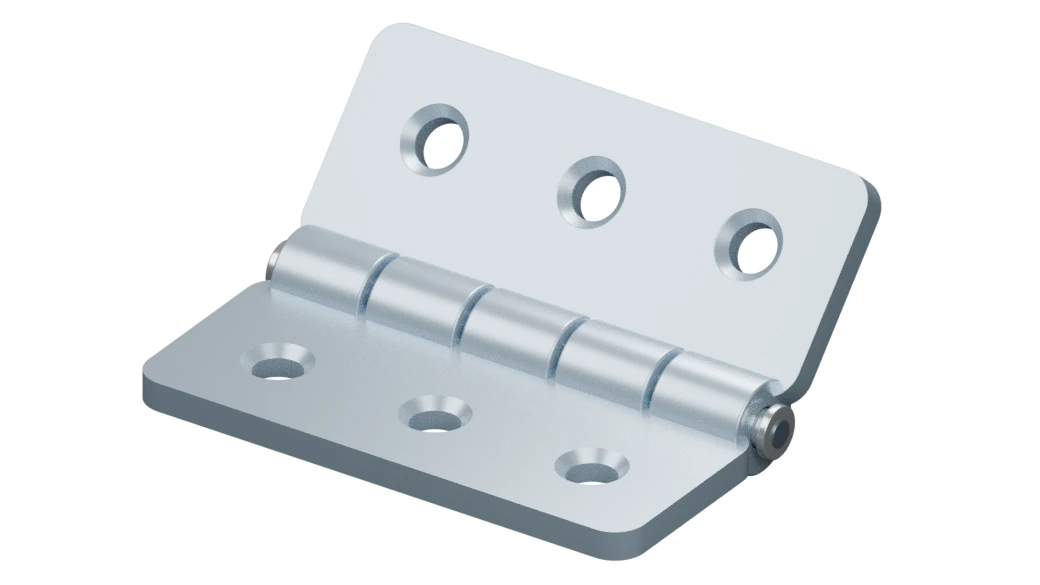
The still on a white background shows the shape, finish and connection points of a hinged metal fitting. Buyers can take their time with the details. Use this view in a catalogue, a data sheet or as the lead image on a product page.
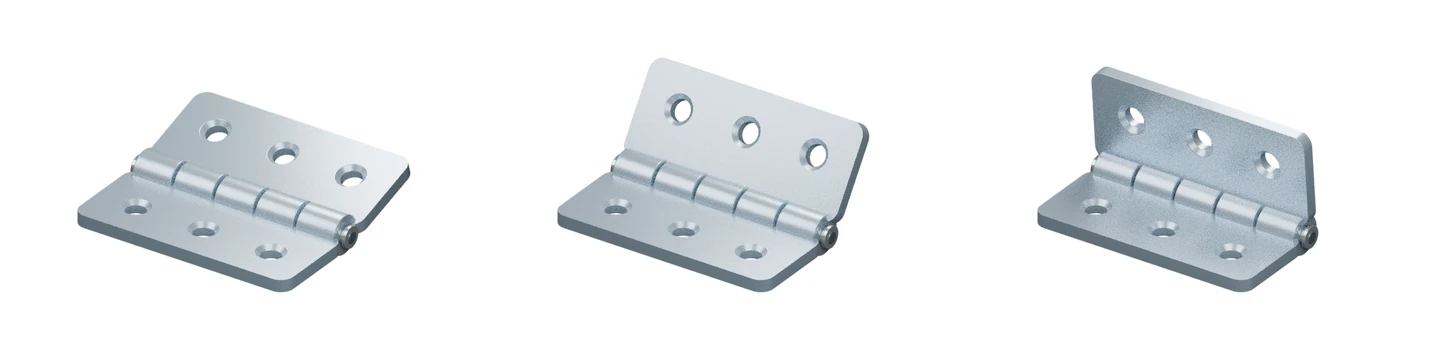
In the short video, the camera stays fixed as one flap pivots around the hinge pin. The viewer can follow the part without tracking a moving camera. This illustrative demonstration does not establish dimensions, performance or assembly approval.
What should you commission?
- A still: Buyers need to inspect the finish, shape or connection points.
- A short video: Opening, rotation or a change between positions is part of the sales explanation.
- Both: You need a clear catalogue image and a product-page video that explains motion. Use the same approved 3D model where practical, but plan the image and video crops separately.
When requesting a quote, share the one thing buyers need to understand, current CAD or measured references, and where the result will appear. If the part moves, include its start and end positions.
Explore our 3D product visualisation service for stills or our 3D product animation service for motion.