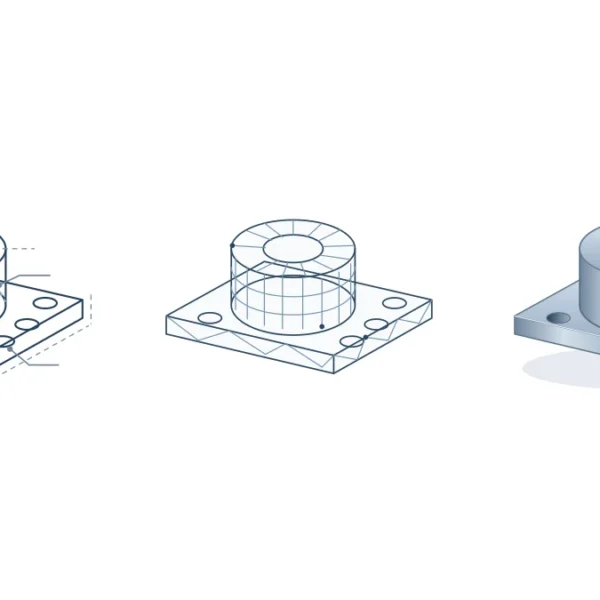
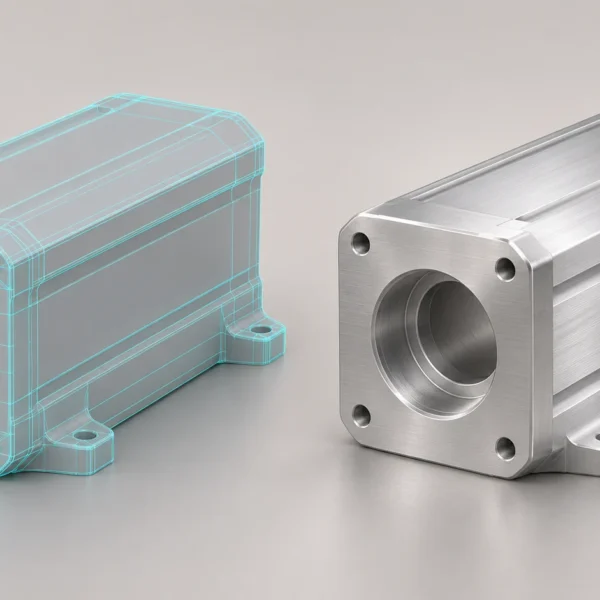
3D product images for ecommerce should answer the questions customers ask before buying: What does it look like? How big is it? Where does it connect? How does this colour compare with another? Start with those questions rather than a fixed number of images.
Choose useful views for 3D product images for ecommerce
- Hero image: A three-quarter view shows the front and depth of many products. Use a straight-on view when a front panel or pattern matters more. Check that the product is recognisable in a small thumbnail.
- Decision view: Show a connection, rear panel or side profile that the hero hides. A cable exit can be more useful than a decorative angle for an appliance that sits close to a wall.
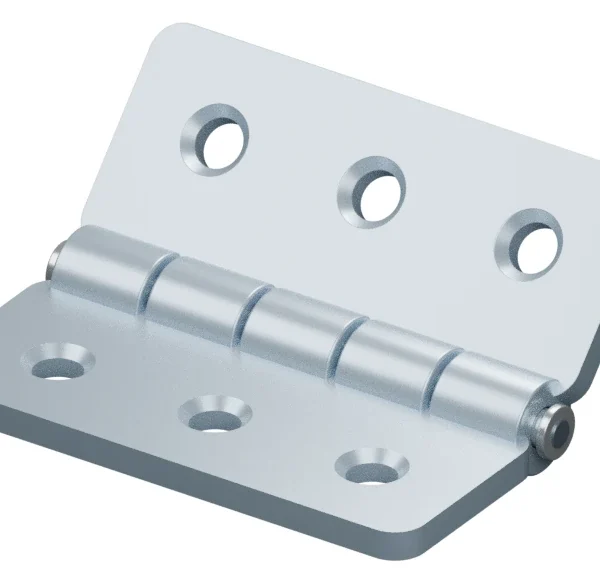
- Detail: Pick one or two features that matter, such as a fabric weave, hinge or control. Verify that the detail matches the actual product.
- Scale or use: Use verified dimensions if size is hard to judge, or show the item next to a familiar object. Avoid a perspective that exaggerates its size.
For a desk lamp, try a three-quarter hero, a side view that shows the cable and switch, a close-up of the base finish and one image on a desk for scale. If the switch is already clear in the side view, skip the extra close-up. A 360-degree spin is optional unless the customer needs to understand something the stills cannot show.
Keep colour and model variants consistent
Hold the camera, crop, scale, backdrop and lighting steady when comparing colours. Check finishes against an approved sample or colour reference, while allowing for differences between screens. If the shape changes as well as the colour, render the correct geometry for that variant.
Prepare files for each channel
Product gallery: Use matching crops and sRGB files in a format the storefront supports. If you list products on Google Shopping, check the Merchant Center image requirements before you export. WebP or JPEG can work for photographic images. Request transparent PNG versions only if you need to swap backgrounds. Keep a full-resolution master and export a lighter web copy.
Ads and mobile: Plan square, portrait and landscape crops around the product edges, readable labels and space for copy. Do not assume a shop image will crop cleanly for every placement.
Pilot one product before scaling up
Test the gallery in the real storefront, including thumbnails and the mobile product page. Write down the agreed margins, product size within the frame and naming pattern. Before publishing each item, confirm that dimensions are current and files are attached to the right variant. Use descriptive alt text that identifies what the image shows.
For help turning that checklist into a brief, explore Rendership’s 3D product visualisation service.