3D product visualisation pricing depends on the modelling required, the scenes to be built, the number of images, and the final deliverables. Producing three views of a product on a white background involves different work from showing it in several finishes and settings. When comparing quotes, look at what is included as well as the total price.
For example, a manufacturer updating its catalogue might simply ask for “20 renders.” That does not yet tell us how many products are involved, whether usable models already exist, or how many separate scenes are needed. This guide explains what affects 3D product rendering costs and what to prepare to get comparable quotes. A project-specific price can be confirmed once the current product files and deliverables have been reviewed.
Start by defining the images you need
A product page and an advertisement serve different purposes. On a product page, customers need to understand the shape, materials, and important details. An advertisement may need a composition that highlights one particular feature. For a catalogue, consistent angles and lighting across a product range become more important.
Build your image list around where the images will be used:
- E-commerce: a main product image, additional angles, and any necessary detail close-ups.
- Catalogues: consistent angles, framing, and backgrounds across the product range.
- Advertising: a tailored composition that supports the brand’s message.
- Dealer presentations: images that explain connections, relative dimensions, or hidden components.
When considering the scope, browse the examples on our 3D product visualisation page. Choosing a reference that closely matches your needs is more useful than a broad instruction such as “make it realistic.”
7 factors that affect 3D product visualisation pricing
1. Whether a usable product model already exists
An up-to-date, usable 3D model can reduce the need for modelling from scratch. However, having a CAD file does not necessarily mean it is ready to produce the final images. Missing components, surface issues, and material assignments still need to be checked.
If you do not have a model, dimensions, technical drawings, and photographs from several angles can provide a starting point. Connections and edges shown in close-up require more detailed references. Ask whether 3D product modelling is included in the quote.
2. The level of product detail
A simple box and a device with many components require different amounts of preparation. Screw heads, stitching, openings, embossed details, and labels all affect the work involved. Not every detail needs the same level of attention, though.
First, identify which parts will appear in close-up. Rather than adding unnecessary detail to a distant component, focus on the surfaces customers will examine. This helps direct the budget toward details that make a visible difference.
3. Materials and surface finishes
Matte plastic, brushed metal, clear glass, and textured fabric respond differently to light. A realistic surface depends on gloss, roughness, and texture direction as well as colour. Creating chrome and matte black versions of the same product may involve more than changing a colour setting.
Share material specifications and any sample photographs at the start. Products for which colour is critical may require a physical sample to be assessed. Because screen and print conditions vary, do not assume an exact colour match across every medium.
4. Camera angles and number of scenes
For a product shown on a white background, one lighting setup may work across several angles. Showing the same product in a kitchen, a bathroom, and an outdoor setting requires separate scenes. Furniture, accessories, and surrounding materials are part of that preparation too.
Distinguish between “five images” and “five separate scenes.” Specify how many environments will be created and how many images will be produced from each one.
5. Types and number of variations
Three colour options and three different product sizes do not necessarily involve the same work. A colour or finish change may be possible using the existing model. Changes to dimensions, connections, or the number of components may require changes to the model itself.
List each product with the colours, sizes, and viewing angles needed. Leave out combinations that are not available for sale. A new variation may reuse an existing scene, but preparation, rendering, and quality checks still take work.
6. Resolution and delivery formats
An image intended for a website may have different requirements from a file prepared for large-format printing. Transparent backgrounds, alternative crops, and delivery in several sizes also affect the scope.
Discuss the intended use, pixel dimensions, and file format at the start. If you need the source model or editable scene files, specify this separately. Delivery of the final images does not automatically include transfer of the source files or any third-party assets they contain.
7. Revisions and approvals
Changing a camera angle early in the process has different implications from changing a product’s dimensions after all the images have been completed. The latter may require revisiting the model, materials, and final outputs.
Check how many review rounds are included, which changes are covered, and how new requests will be handled. Identify who will approve the product’s technical accuracy and the visual direction at the start.
An example of a clearly defined scope
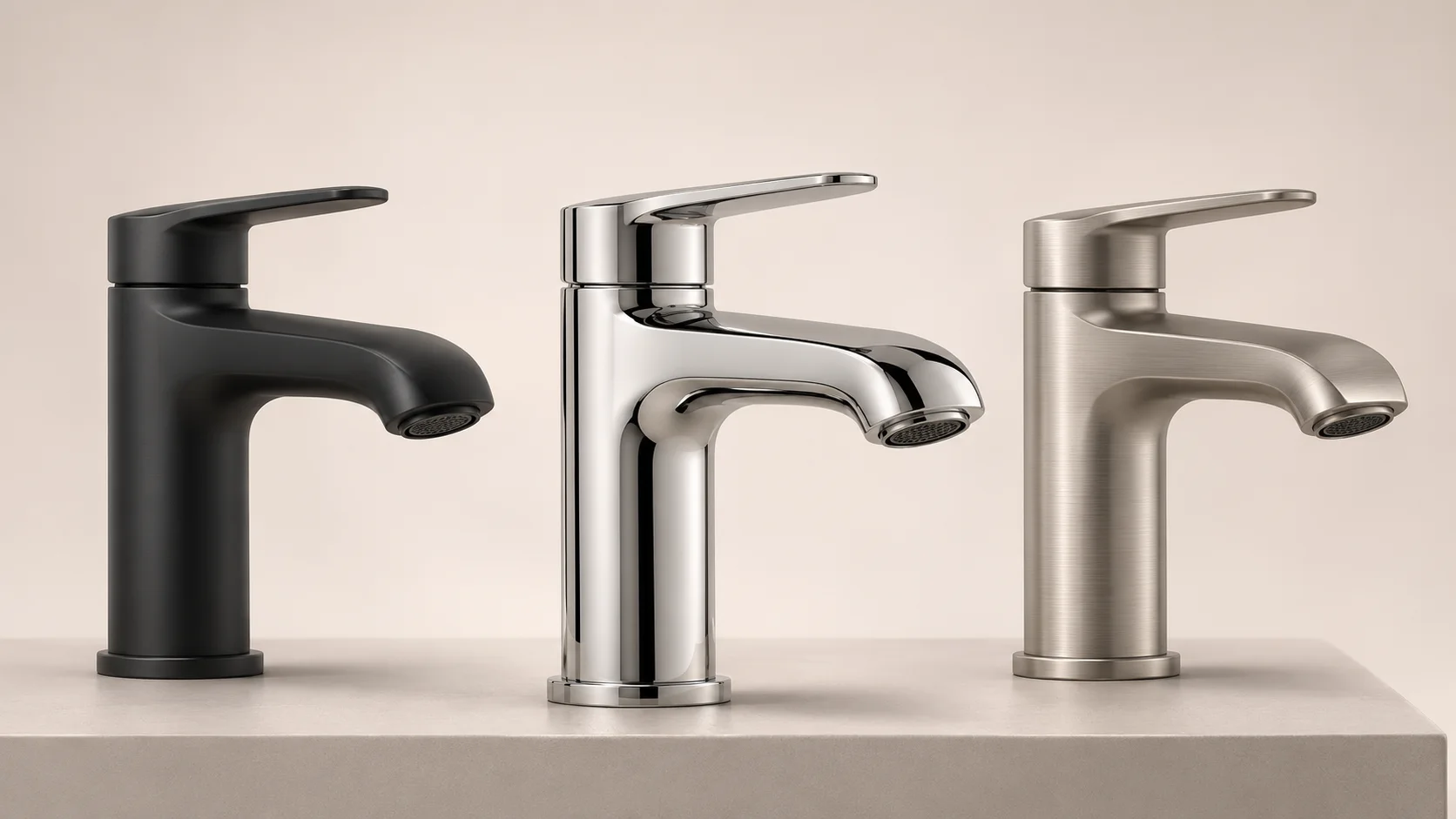
Consider a single bathroom tap available in three finishes. The following is an illustrative scope, not a real client project or a price quote:
- Create one main product model, or review an existing model.
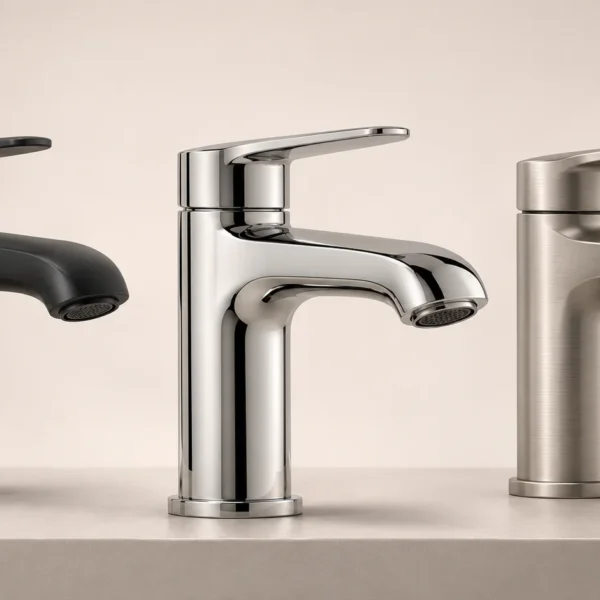
- Prepare three finishes: chrome, matte black, and brushed metal.
- Use the same four angles for each finish, producing 12 studio images in total.
- Show only the chrome version in one bathroom scene from two angles, producing 2 lifestyle images.
- Deliver 12 studio images and 2 lifestyle images. Specify the dimensions of the web and print versions separately.
This is clearer than asking for “14 renders of one product.” Modelling, materials, scene setup, and image production can be assessed separately. If a second bathroom setting is requested later, it is also clear that this is an additional scene.
How to compare two quotes
Request quotes based on the same scope. If one includes modelling while the other only covers rendering from an existing model, their totals are not directly comparable. Source files, usage rights, and revision terms may differ as well.
Check the following in each quote:
- Will a product model be created, or will an existing file be used?
- How many products, variations, scenes, and final images are included?
- Are resolutions and file formats specified?
- Are preview and revision terms clear?
- Which files and approvals are required before the delivery schedule begins?
- Are usage rights and source-file delivery addressed?
- Are VAT, payment terms, and potential additional work explained?
Your budget may need to cover more than the initial delivery. If you plan to add products to the collection, discuss file archiving and the terms for future adaptations. Do not assume later updates will be easy or free without confirming access to the original model and the right to reuse it.
Where to start when managing your budget
First, define the essential images you will use to sell the product. Consider a consistent visual approach rather than a separate setting for every item. Where the product designs allow it, you may be able to reuse lighting and camera setups.
It can also help to approve the model, materials, and angles for one representative product before extending the work to the whole collection. This reduces the risk of correcting the same issue across many images. Consolidating feedback into one list and using current product files can reduce avoidable rework.
Do not compromise product accuracy to cut costs. Incorrect dimensions, a feature that does not exist, or a misrepresented finish can undermine even a well-composed image.
Frequently asked questions
Can you quote a fixed price per image?
Yes, for a clearly defined scope. However, a per-image price is not enough to compare projects if the modelling, scene preparation, and revision terms are unknown. First, distinguish the initial setup from the work required for subsequent images.
Does an existing CAD file reduce the cost?
It may reduce the modelling required if the file is current and suitable for visualisation. Missing geometry or surfaces that need adjustment will require additional work. That is why the file should be reviewed before pricing is confirmed.
Can the same model be used for animation?
It may be possible, depending on the model’s structure and the movement required. A file prepared for still images may need further work on moving parts or hidden internal details. Mention any animation requirements at the start. If you are planning an installation sequence, our installation and assembly animation guide may help with preparation.
Is 3D visualisation always cheaper than photography?
No. Photography may be more economical for a single product that is easy to photograph. 3D production is worth considering when there are many variations, the product has not yet been manufactured, or scenes will be reused. Compare the same deliverables and potential future updates before deciding.
Get a comparable quote for your project
When assessing 3D product visualisation pricing, consider preparation and deliverables as carefully as the number of products. Gather your current models or references, list the scenes you need, and specify the required images. This makes it easier to discuss both the price and the result you expect.
To discuss your project with Rendership, use our contact page to tell us about your product, where the images will be used, and how many outputs you need. If available, include a PDF of your technical drawing or a product image so we can define the scope together.