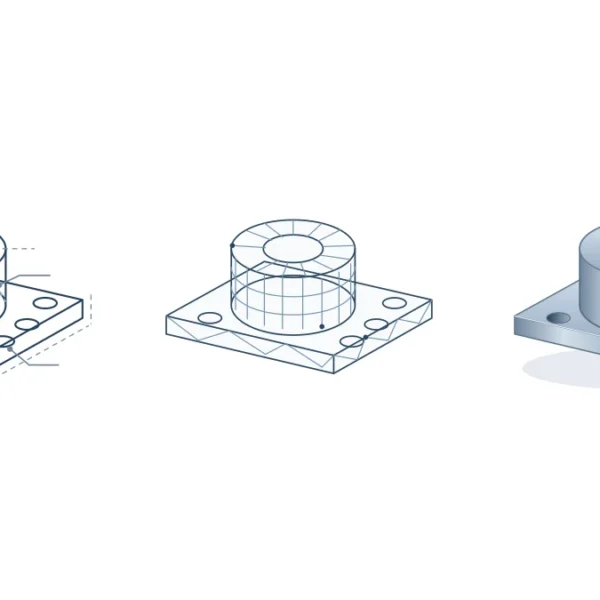
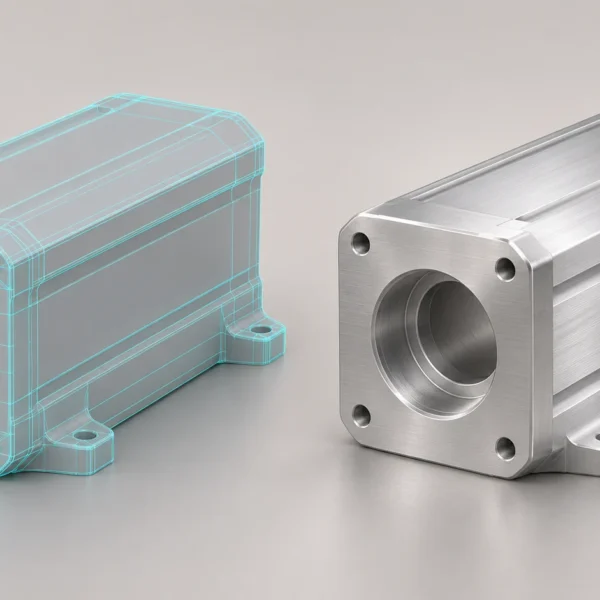
Choose 3D modelling software by the work you need to deliver. For example, a catalogue render, a game asset and a measured manufacturing part have different requirements. Decide where the model will be used, which file format the recipient needs and whether the work is commercial before choosing a tool.
Product images, visual models and animation
Blender is free and open source. It combines polygon modelling, sculpting, UV mapping, animation and rendering. It is a practical starting point for product visuals, game assets or short animations. If your downstream team needs editable dimensions and features in a parametric CAD file, check that requirement separately. Add-ons and downloaded assets can carry their own licences.
3D modelling software for layouts and CAD
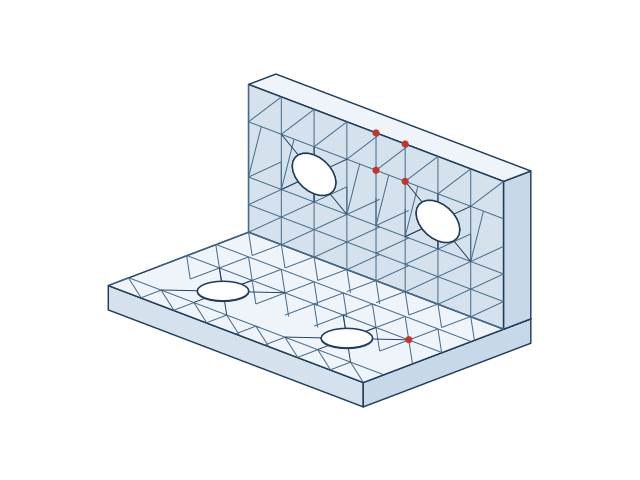
SketchUp Free is useful for quickly blocking out shapes and layouts in a browser. Its free plan is not for commercial use. Check export and handover options before relying on it for a project.
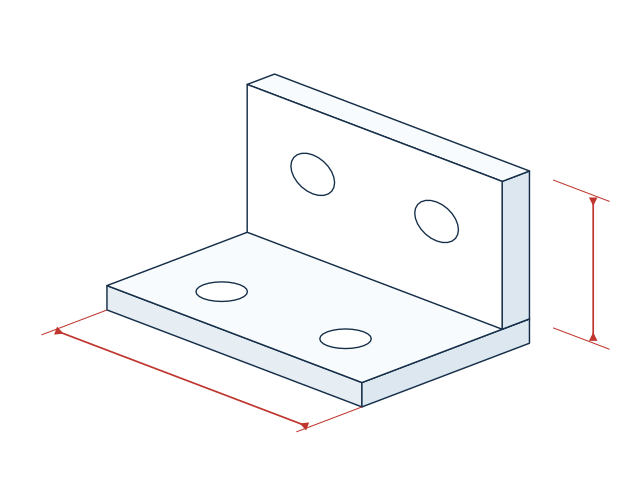
Autodesk Fusion for personal use is a limited, non-commercial option subject to eligibility. It can help you learn how to design a component around dimensions and features. Before a client job, check the licence and whether the recipient needs an editable CAD file or only a neutral exchange file.
Procedural work and effects
Houdini Apprentice is the non-commercial learning edition of Houdini. It is a way to explore procedural modelling and effects. Check output and file-exchange restrictions before you build a workflow around it. Free access does not necessarily give you the right to deliver paid work.
Match specialist tools to repeat work
Consider 3ds Max for product scenes with many objects, Maya for character rigging, Rhino for curved product shells, and ZBrush for detailed sculpting. Cinema 4D can suit motion graphics, while Houdini supports repeatable procedural scenes. Choose around the work that repeats, not the longest feature list.
Run a small handover test
- Model one representative part or product.
- Export it in the recipient’s requested format and open it in the intended application.
- First check units and orientation. Then check what matters for the job: dimensions and editability for CAD; geometry, materials and naming for visual assets.
- Make one realistic change and export again. This tells you more about daily work than a feature list.
If the end goal is a catalogue still or an animation, you may not need to change the software that produced your existing CAD. A product modelling team can help assess the source files and the handover needed for the intended output.