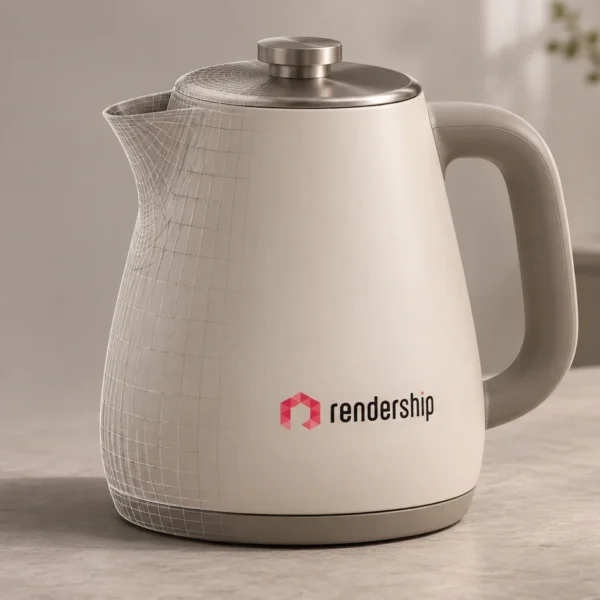
3D product visualisation can help customers understand what they are considering buying. It makes a product’s shape, finish and context easier to examine. Clear images can support a purchase decision, but they do not guarantee more sales. Price, product quality, delivery, trust and the buying experience still matter.
The useful question is therefore not whether a render looks impressive. It is whether the image answers a customer’s question. Does it show an important detail? Can people compare the available finishes? Is the product presented in a setting that explains its intended use?
Show the details that matter to a buyer
A planned camera view can draw attention to a feature that a wider image would hide. For example, a close-up can show a connection, edge or surface treatment. A wider view can then explain how the same product fits into its surroundings.
The image should be based on reliable product information. A convincing visual is not useful if it shows the wrong dimensions or an unavailable feature. Review the model, materials and key details before treating the image as a customer-facing product representation.
Make product variations easier to compare
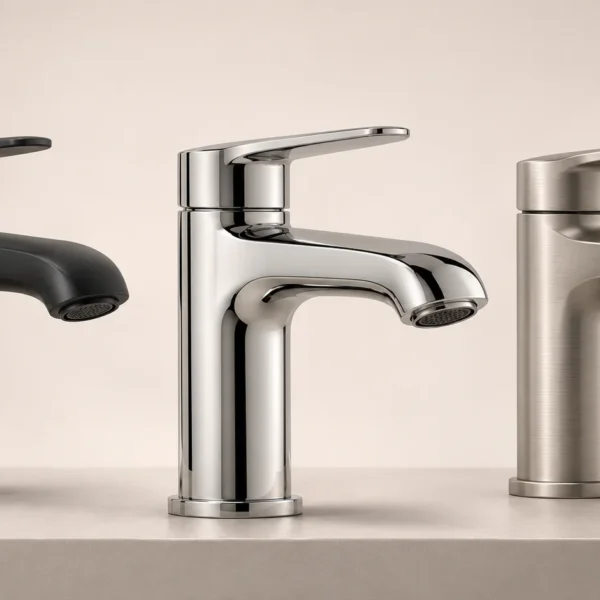
Colour and material options can be difficult to judge from a written description. Consistent 3D views can help present the alternatives side by side. Keeping the camera and lighting similar makes the differences easier to understand.
However, a rendered colour is not a physical sample. Lighting, display settings and the chosen material representation affect its appearance. Where an exact finish is important, explain how customers can confirm it before ordering.
Explain the product in context
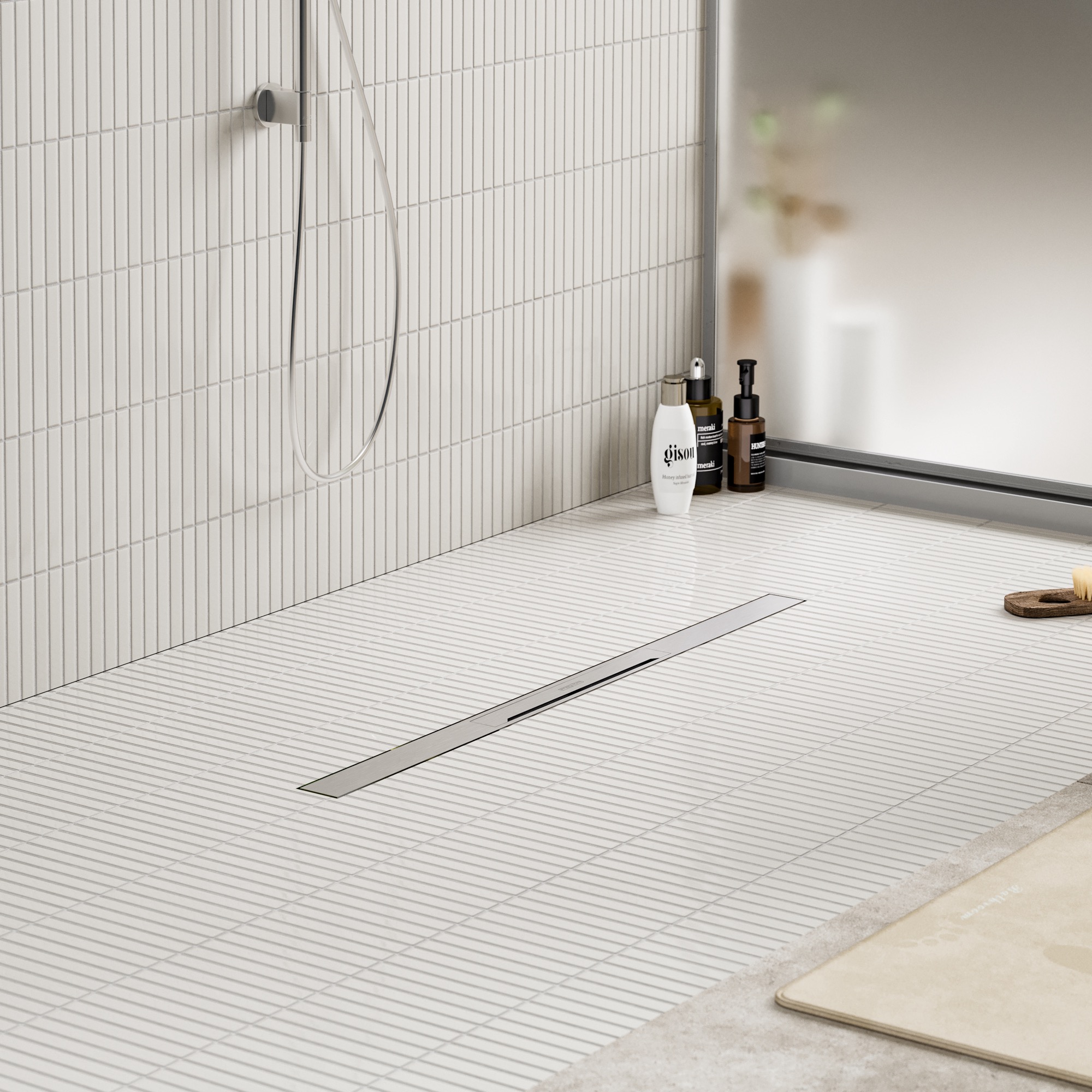
A product shown on its own can communicate its form clearly. A contextual image can answer a different question: how might it look in the intended setting? This can be useful for furniture, fixtures and other products that relate closely to their surroundings.
Context must not imply dimensions or installation conditions that have not been checked. Include the necessary specifications alongside the image. A visual can support those details rather than replace them.
Distinguish variations from an interactive configurator
Several images can show several product options. That does not automatically give the visitor a tool for changing the product themselves. An interactive configurator is a separate technical deliverable that needs defined options and a suitable interface.
Agree on the required experience before production starts. Some projects need a small set of clear still images. Others may benefit from animation or an interactive view. The choice should follow the customer’s questions and the available product information.
Measure the effect rather than assume it
Better presentation is a reasonable goal. A specific increase in sales still needs evidence from the actual business. Compare relevant outcomes before and after a change, while considering other differences such as traffic sources, offers and product availability.
Useful observations can include the questions customers ask, the quality of enquiries and how often visitors reach the next step. Avoid attributing every change to the images alone. A visual improvement is one part of the wider product and purchasing experience.
Plan visuals around your product brief
Start with the product, its audience and the decisions your customers need to make. Then choose the views, details and variations that support those decisions. Share drawings, models, photographs and finish references where available.
Explore Rendership’s 3D product visualisation service and examples to discuss a presentation suited to your project. Scope, timing and deliverables can be clarified from the information you provide.