The first decision when commissioning 3D machine animation for trade shows is not the film’s running time. It is the question your booth screen needs to answer. If the equipment cannot come to the show, explain what it does. If the machine is on display but cannot run, show the one movement visitors cannot see. Trying to answer both questions with the same edit can put plenty of detail on screen without making the product any easier to understand.
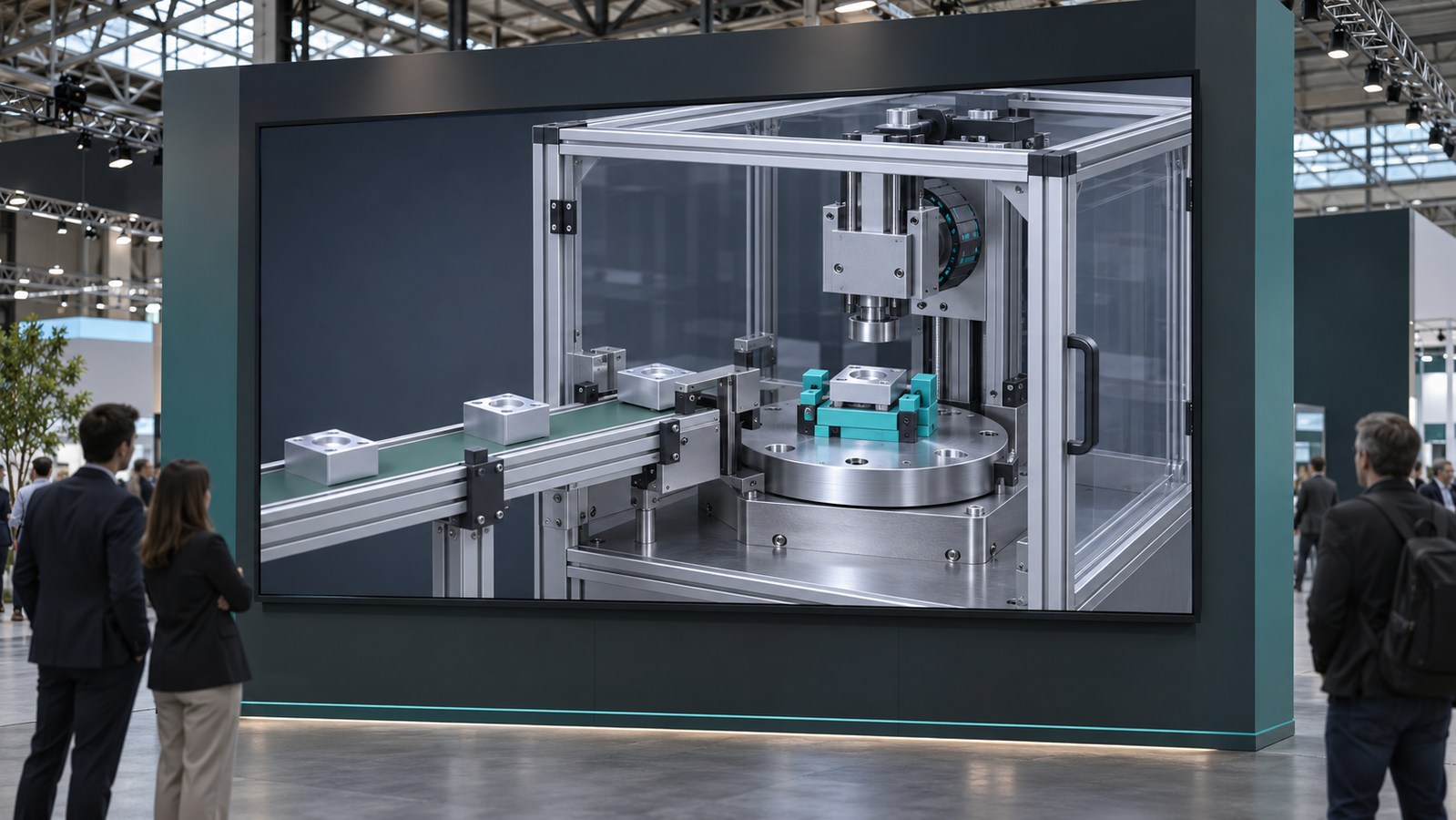
Make different choices for equipment that is on the booth and equipment that is not
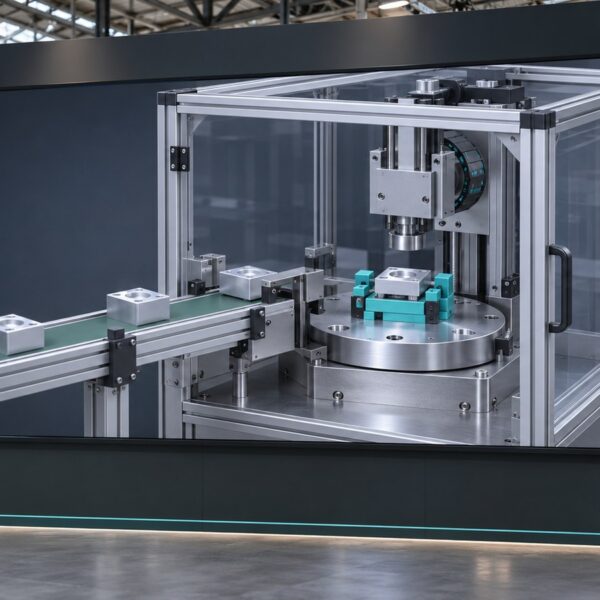
If the machine will not be there, open with the whole unit. Follow one workpiece in the same direction from intake to process to output. A scale reference taken from confirmed dimensions can help prevent the machine looking smaller or bigger than it is. Do not put estimated dimensions on screen if they are not checked.
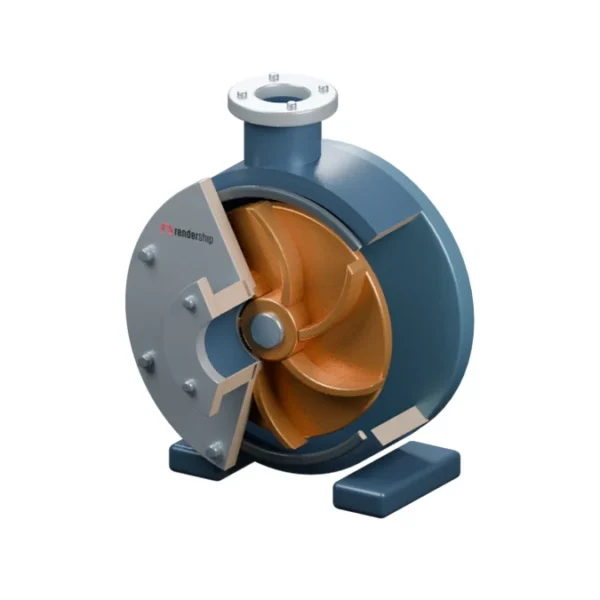
If the machine is there but cannot run, open with the angle the physical exhibit cannot offer. For instance, show the motion behind an enclosure in a close-up a salesperson can point to. A transparent cover in the animation should not imply that the real machine can operate with its cover open. Label the sequence as an illustrative cutaway when needed.
3D machine animation for trade shows: aisle loop and sales edit
A visitor walking past can glance at the screen at any point. Each section of a silent loop should therefore make sense without the opening. Give each scene one job, keep captions short and leave enough space for the product. Anything essential should be understandable without narration.
A salesperson needs a different edit: one they can pause, restart or jump through. Chapters such as ‘material intake’, ‘process zone’ and ‘output’ let the presenter return to a specific question. Specify both versions at the start if you need both. Cutting a long presentation into arbitrary segments later can strip away the move that helps a viewer make sense of the result.
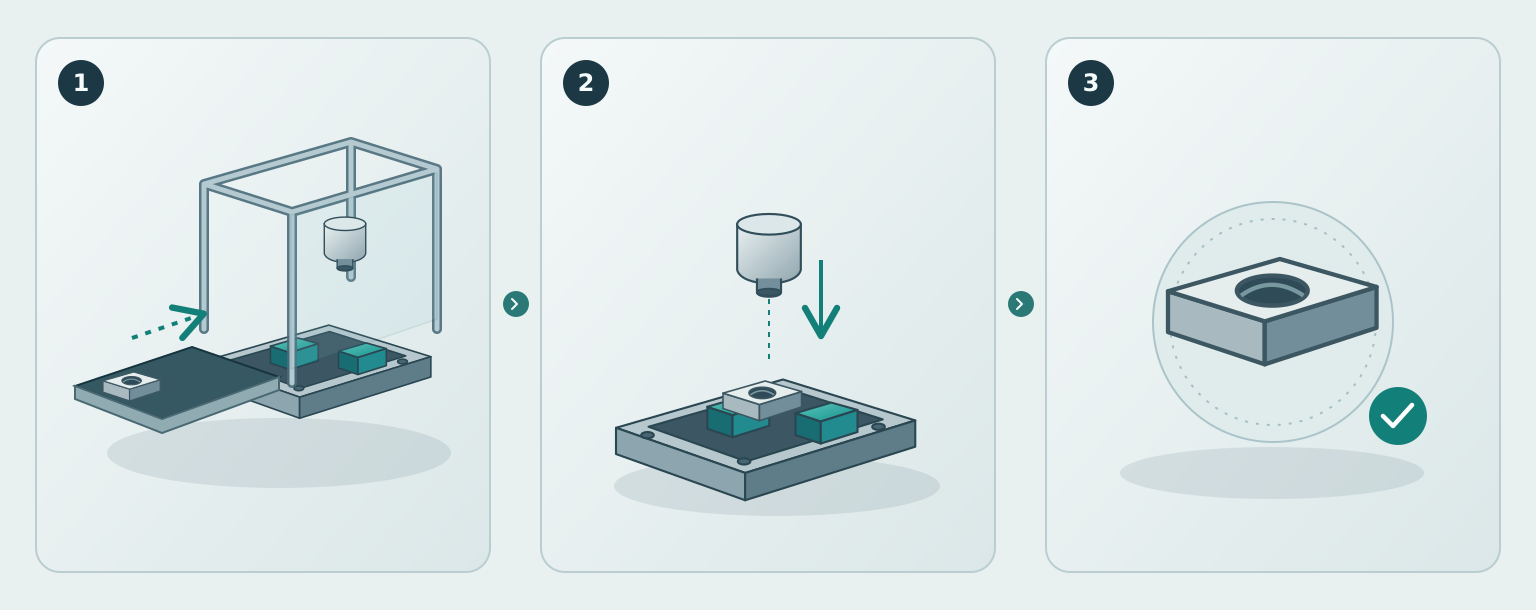
An illustrative 32-second sequence: Use the first six seconds to establish where a metal part enters a guarded inspection station. Over the next 12 seconds, show one action in close-up: the inspection head moves down towards the part. In the final 14 seconds, reveal the part after inspection and return to the opening angle. These timings illustrate an edit, not a real machine cycle.
Test on the intended screen before rendering the final film
Ask the AV supplier for the player’s actual pixel dimensions, orientation, accepted file formats and loop behaviour. A large LED wall is not necessarily a standard 16:9 screen. Where its feed canvas differs from the visible area, ask the supplier to mark the safe area for text and key parts of the machine.
Play a short test file silently on the actual setup. Can you read the caption from the aisle? If you join halfway through, can you tell which component is shown and which way it is moving? Is there a black frame or a pause at the restart? If the system allows, keep a local playback copy and backup rather than assuming the event connection will be reliable. If a QR code will be shown, test it from the expected distance and check that it opens the right landing page in the right language.
Distinguish a visual explanation from a performance claim
Only show speed, output, energy use or operating ranges against the manufacturer’s approved configuration and conditions. A shortened animation does not demonstrate cycle time. Use a note such as ‘motion shown for illustration’ where someone might take the sequence literally. Ask engineering to mark internal details the booth film may show and those that must remain private; access to CAD does not mean everything in it can go on a screen.
In Liebherr’s account of its AMB exhibit, visitors explored automation products in a fictional digital factory. The interactive exhibit is not the same deliverable as a flat-screen loop. The useful lesson for both: show where the equipment does its job rather than lining up a list of features.
What to send when requesting a quote
- The event opening date and the equipment that will physically be on the booth.
- One product model and the main question the film should answer.
- The screen’s pixel dimensions, orientation and player, plus the expected viewing distance.
- The required edit: silent loop, salesperson-led version or both; target languages and caption needs.
- Approved product references, the actions that may be shown publicly and the person responsible for technical sign-off.
Share your show date, machine and screen details with Rendership to discuss which edit fits your booth. If the brief also calls for installation training, plan that as a separate deliverable using our assembly-animation guide for dealers.