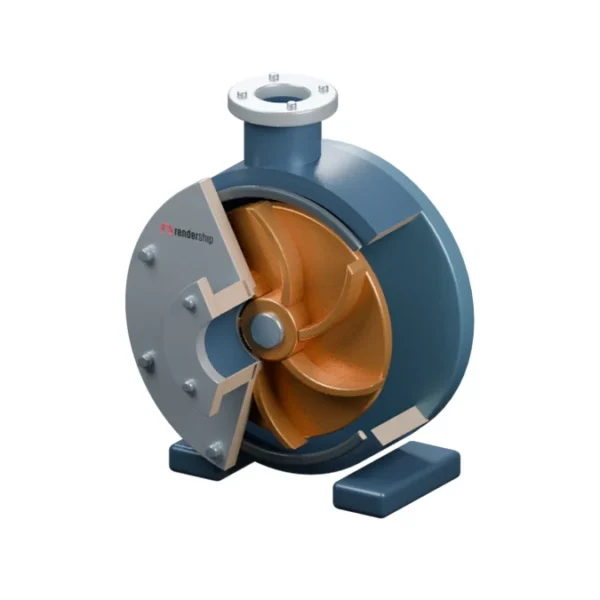
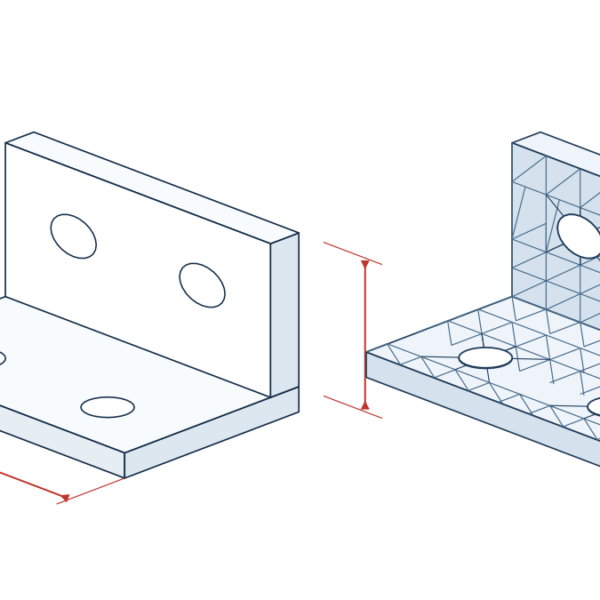
A spare parts catalogue has two jobs: help technicians identify a component and let buyers order the right replacement. An exploded view shows where the component sits. The parts list tells the reader what to order and which product it fits. Both should lead to the same answer.
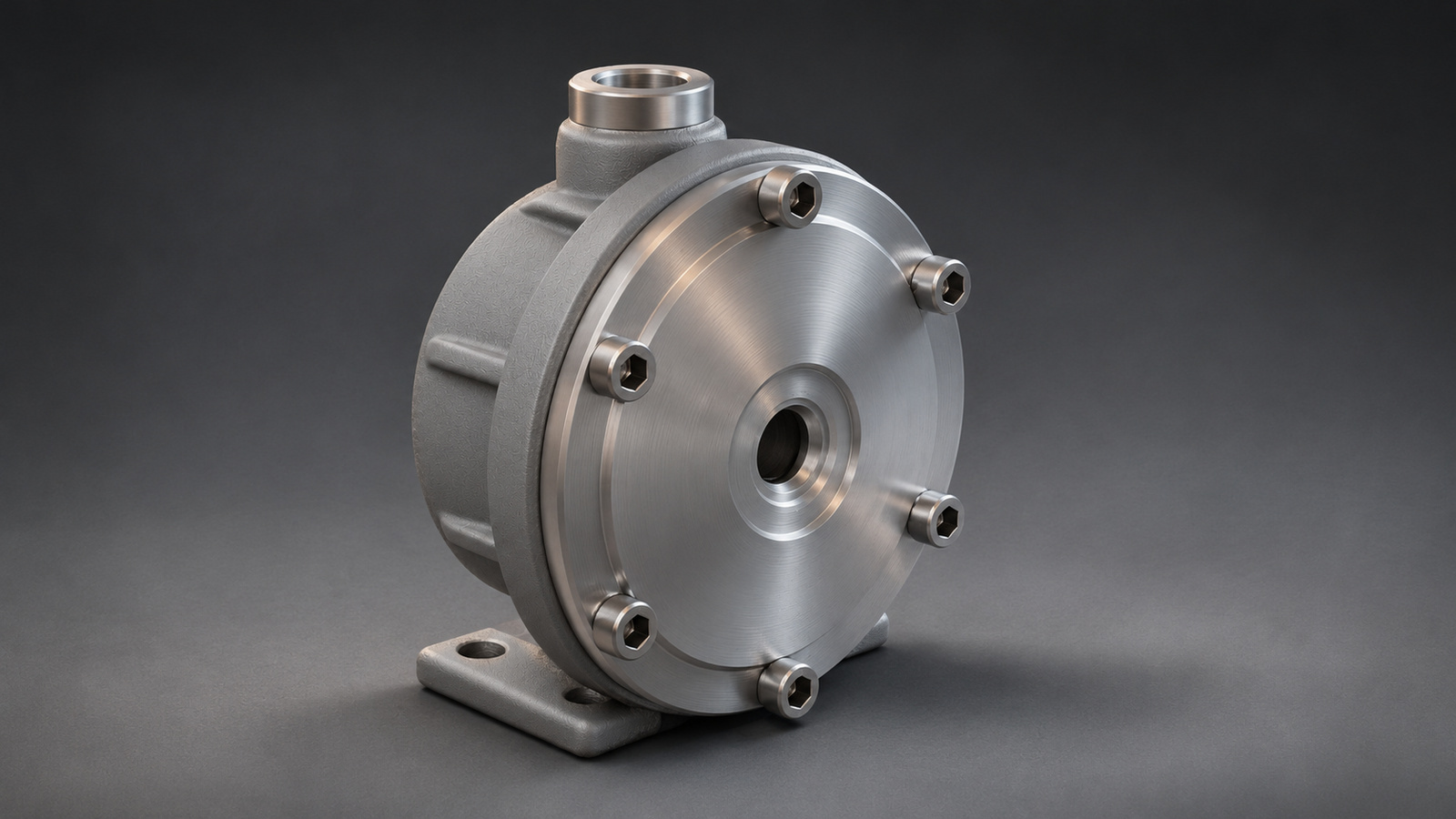
Set the scope of your spare parts catalogue
Record the machine model, product variants and valid serial number range before you build the illustration. Two covers may look alike even when their mounting dimensions differ. Show the orderable code and compatibility information on the same line so the reader does not have to rely on shape alone.
Show where each part belongs
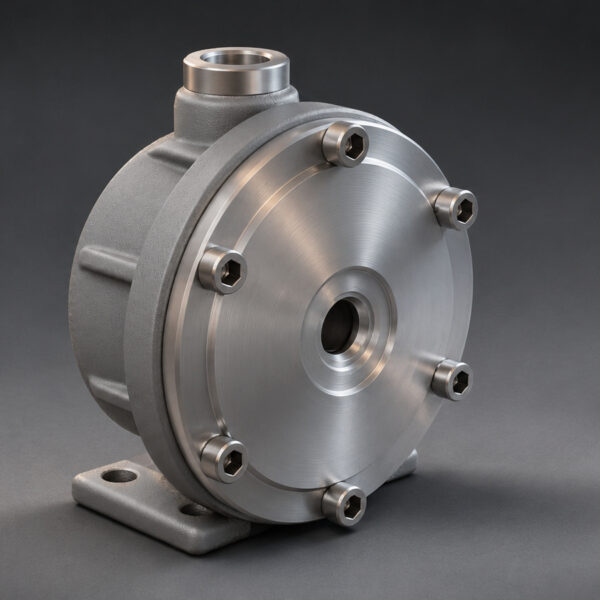
In the example pump, 01 identifies the housing, 02 the O-ring, 03 the cover and 04 the socket-head bolts. Place the O-ring between its seating groove and the cover. Keep the bolts in line with their holes. This makes the assembly easier to read without using a maze of labels.
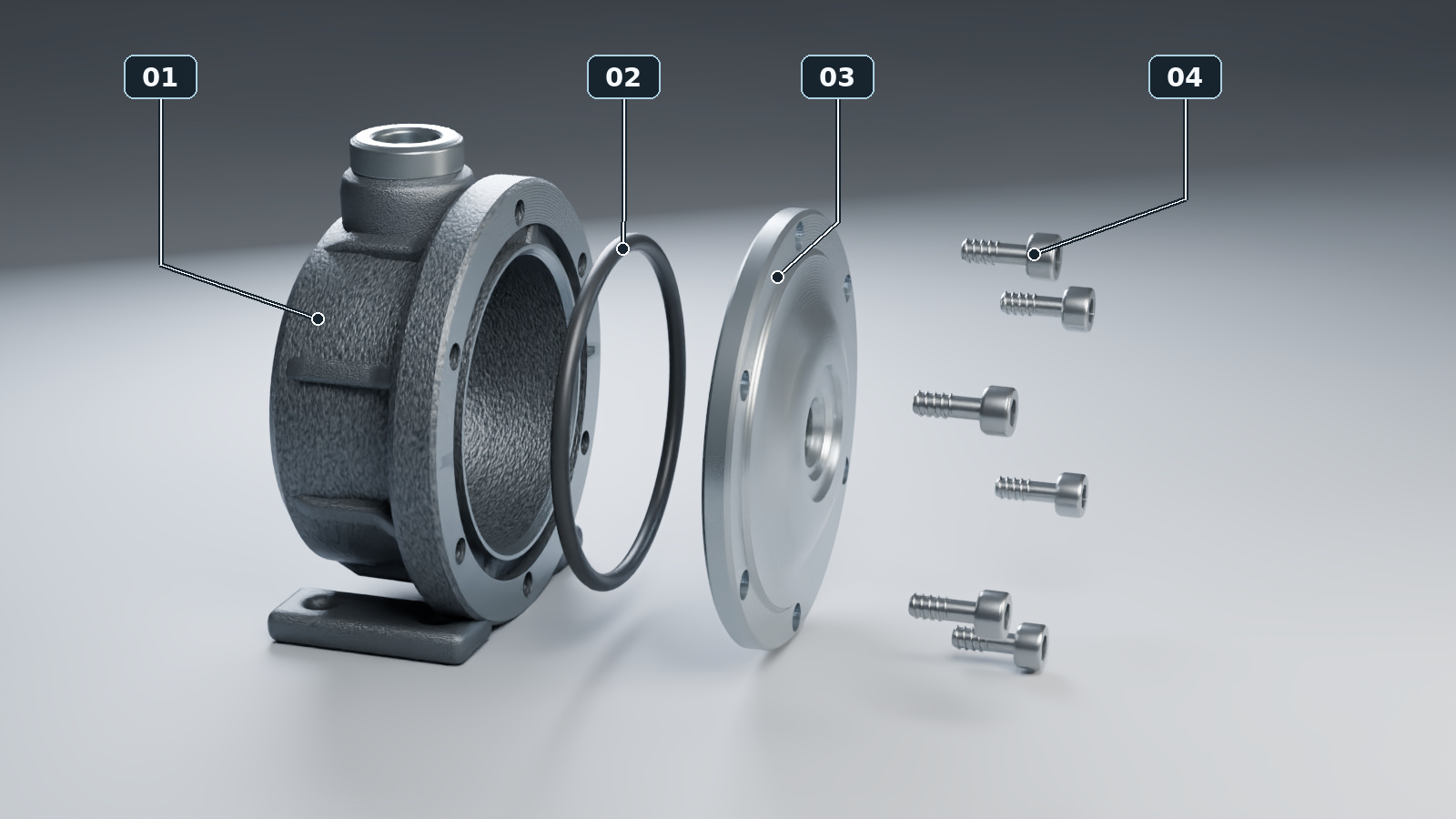
Keep leader lines clear of the components and don’t let them cross. If a small seal is hard to see, use a separate close-up. Colour may help distinguish a seal, but keep the numbers and lines readable in black and white too.
Separate item numbers from ordering codes
Item 02 is a reference to the illustration, not an ordering code. Each row should show the item number, orderable manufacturer code, part name, quantity per assembly and relevant serial range. If four identical bolts are used, list one item number with a quantity of four. Say so explicitly if a part is only sold as part of a service kit.
Test the catalogue with a real service question
Give someone who did not build the catalogue a model and serial number, then ask them to find the orderable code for the pump cover seal. If they hesitate at the illustration or pick the wrong row, revise the callout, description or viewing angle. Finally, check that every label has a matching row and every listed item is visible in the drawing.
A parts catalogue is not a service manual. Refer readers to the service manual for installation instructions such as tightening sequence or torque. Add a revision date and update the illustration and list together when the product changes.
For an example of manufacturer documentation, see the Dynapac parts catalogue. If you’re preparing a 3D product visualisation, share the CAD model, parts list and product variants together. Our guide to cutaways and exploded views explains when each approach is useful.