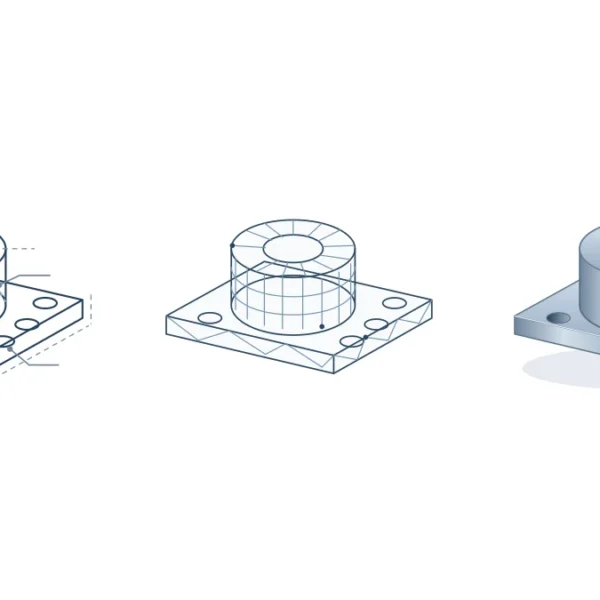
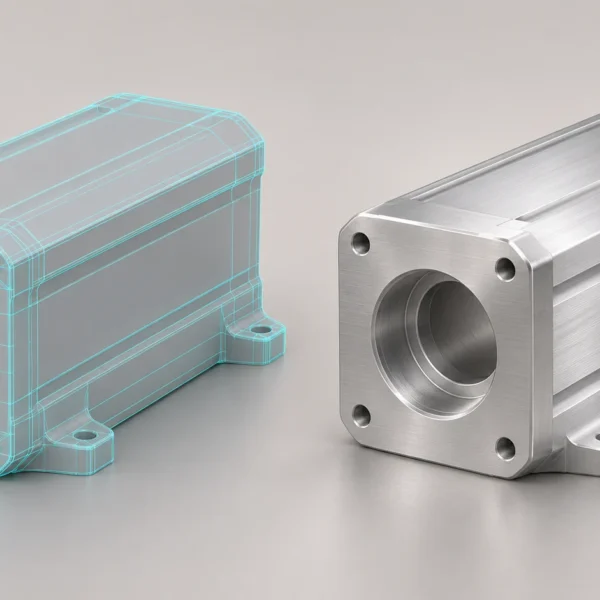
“Make the fitting look right” could mean three different jobs: turn the connector, change its finish, or move a highlight away from its edge. Each needs a different reference and a different reviewer. A useful product render review ends with a short list of decisions someone can actually check.
Give the review a fixed baseline
Put the SKU, finish code and approved drawing revision beside the preview. Name the view as well: a comment on the underside is hard to resolve if the next export shows only the front. If the design has changed since modelling began, log that as a design change rather than asking the artist to reconcile two conflicting sources. See our guide to preparing CAD files for rendering for what to supply at handoff.
Ask one question of each view
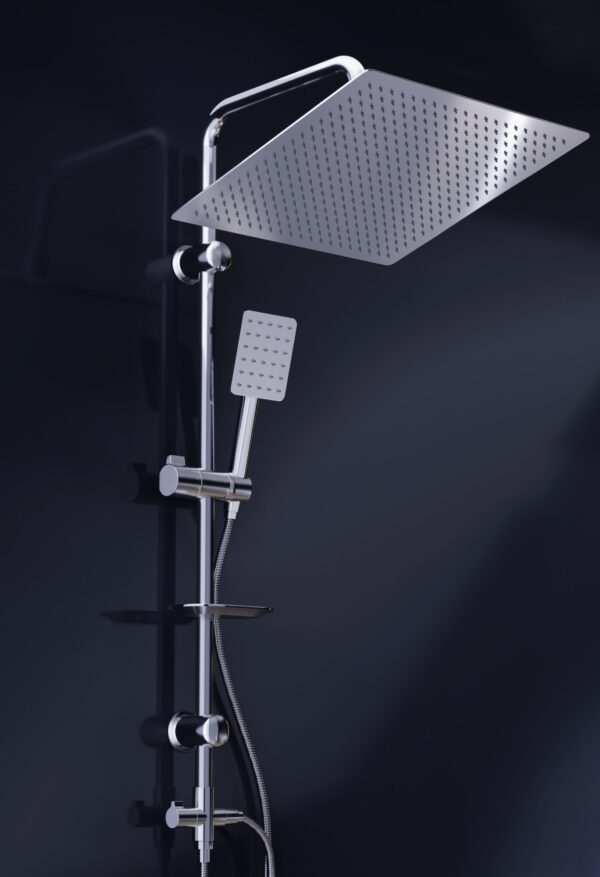
A room scene can show whether a shower system reads as a set. It is a poor place to count outlets on the underside of the head. In Rendership’s published Feha shower imagery, a closer view exposes the head and hand shower against a dark background. The lesson is about evidence: request a second angle before marking a component missing. A part hidden by perspective is not necessarily absent.
For a finish review, keep the camera and lighting fixed between alternatives. A reflected dark strip can define the edge of polished metal; it is not, by itself, proof of a dark coating. If an exact finish matters, identify the approved physical sample and agree on the comparison conditions. Do not use a screenshot from an unspecified display as the sole reference.
Turn a comment into an acceptance test
Instead of “the joint is wrong,” use a note like this: “View 03, hose connection. The outlet faces left in the preview; drawing revision C shows it facing right. Check the assembly orientation and return a before/after pair from the same camera.” This is a sample review note, not a defect reported on the Feha project.
A compact review row is enough: view and version | component | observed difference | reference | requested change | decision owner. Keep one issue per row. If the finish is undecided, assign it to the product owner as an open decision. Asking the artist to guess creates a new version without resolving the question.
Approve the crop, not just the master image
Check the actual catalogue layout or mobile card before release. An approved master can still lose its connector to a square crop. Have the product owner sign off geometry, the brand reviewer sign off presentation, and the publisher verify the final export. Archive the approved file with its SKU and revision. When the next model changes, that record tells you which views to revisit rather than commissioning the whole set again. For planning the wider set, see 3D images for ecommerce.
Planning a set of renders? Our product visualisation service explains which references to supply and how to agree on deliverables before production.