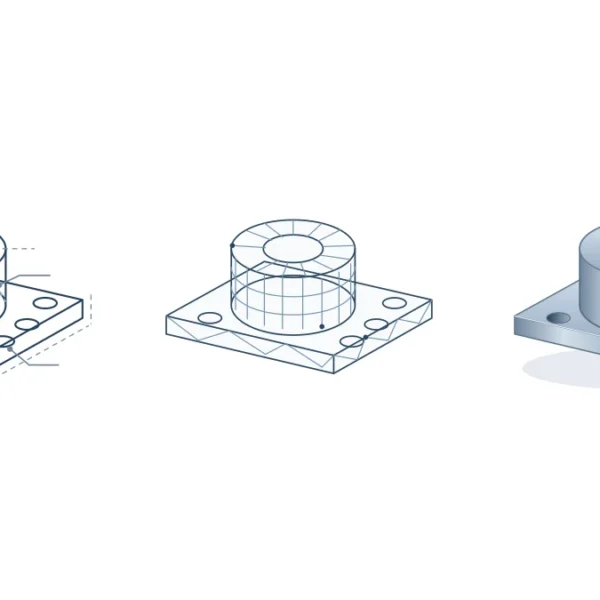
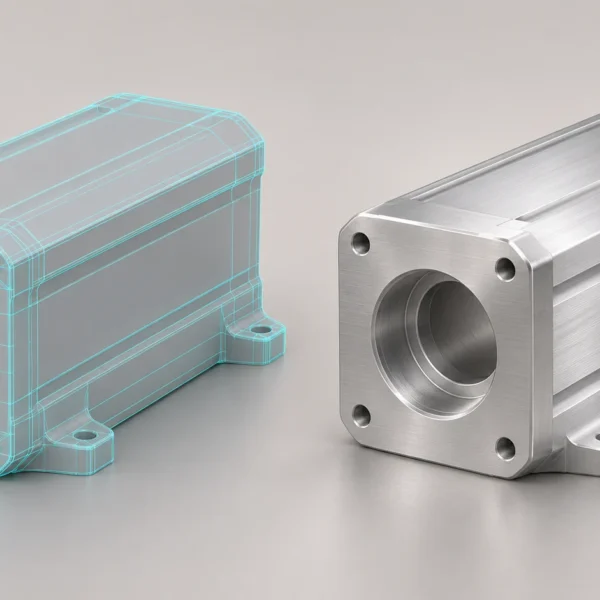
A 3D installation video is ready for production when your team can confirm how the product actually goes together. A finished CAD assembly shows where parts end up; it may not show which direction they enter, what must be fitted first, or whether a tool can reach a fixing. Set those checks before approving the quote.
What to include in a 3D installation video brief
Name the products and revisions, the intended viewers, and the installations the video must cover. Send a current assembly drawing or CAD model, the approved instructions, and any photos or short clips that show an awkward move. Tell the studio which files are confidential and which dimensions or labels may appear on screen.
Example: a quote brief for a replaceable cartridge
Suppose you manufacture a unit with a service cartridge that can only enter the housing at an angle. Give the studio the current CAD assembly and revision, a parts list with IDs, and the approved sequence: which cover opens first, which parts remain fitted and how the cartridge is retained. Include a short clip of the difficult step if one exists. Identify the tool and the access it needs. If the manual and CAD show different revisions, resolve that with engineering before approving the scene.
Separate the deliverables so you can compare quotes
Ask each studio to price the same scope: how many procedures and variants, which source files need preparation, how many review rounds are included, and which language and video versions will be delivered. Distinguish a correction to an agreed sequence from a new procedure or a new product revision. Agree how those changes are handled before production.
How to spot a gap between two quotes
If the brief asks for two product variants and one quote covers only the standard unit, ask the studio to list the changed scenes. The second variant might use a different retaining clip or need a different camera view. Ask whether that extra scene, the engineering review round and the refreshed captions are included. A shorter video can still cost more if you need to rebuild the source CAD or animate additional hardware.
Approve the critical movement before paying for final rendering
Nominate someone in engineering or technical service to approve the low-detail preview. Give that reviewer a specific test: if a cartridge enters at an angle and then seats flat, can you see both moves without the part passing through the housing? Check which surrounding parts are already fitted and whether the installer can reach the fixings. A clear last frame does not prove the earlier steps are possible.
Write a scene check someone else can repeat
For the cartridge scene, record an acceptance note such as: ‘Show the housing before insertion; keep the existing fasteners in place; show the angle change and confirm the retaining clip closes with the tool in view.’ Ask the technical reviewer to pin a correction to the relevant shot. If the studio had shown the wrong entry direction, that’s a correction to the brief. If engineering changed the clip after approval, log it as a product revision and agree the knock-on changes before the next pass.
Confirm what acceptance looks like
Your technical lead should sign off on the part order, orientation and checks shown on screen. Your training or after-sales lead should confirm the approved asset plays in the intended setting, identifies the correct product, and matches its approved manual. Treat the animation as supporting material, not as a substitute for that manual.
Keep the signed-off review copy and a short list of changes from each round. If a product revision changes the motion or fixing, compare that step with the approved 3D installation video before sending the file to dealers. For products fitted to a specific opening, see how to plan dealer workshop and site footage.
Review the assembly animation preparation guide, or send Rendership your product revision and the most difficult step to explain.