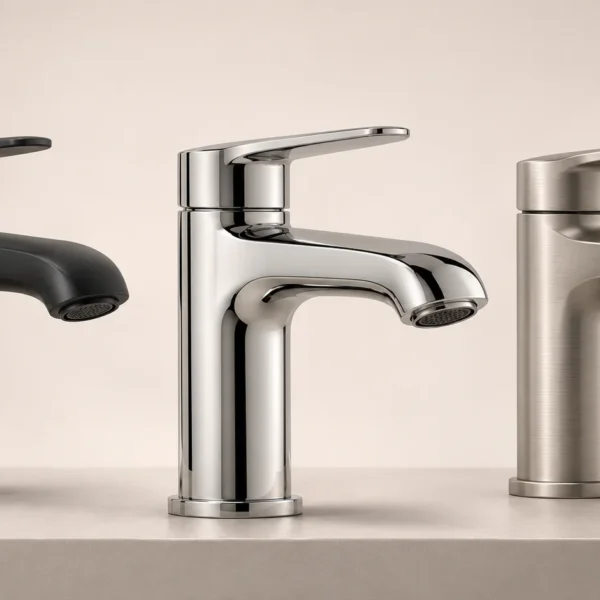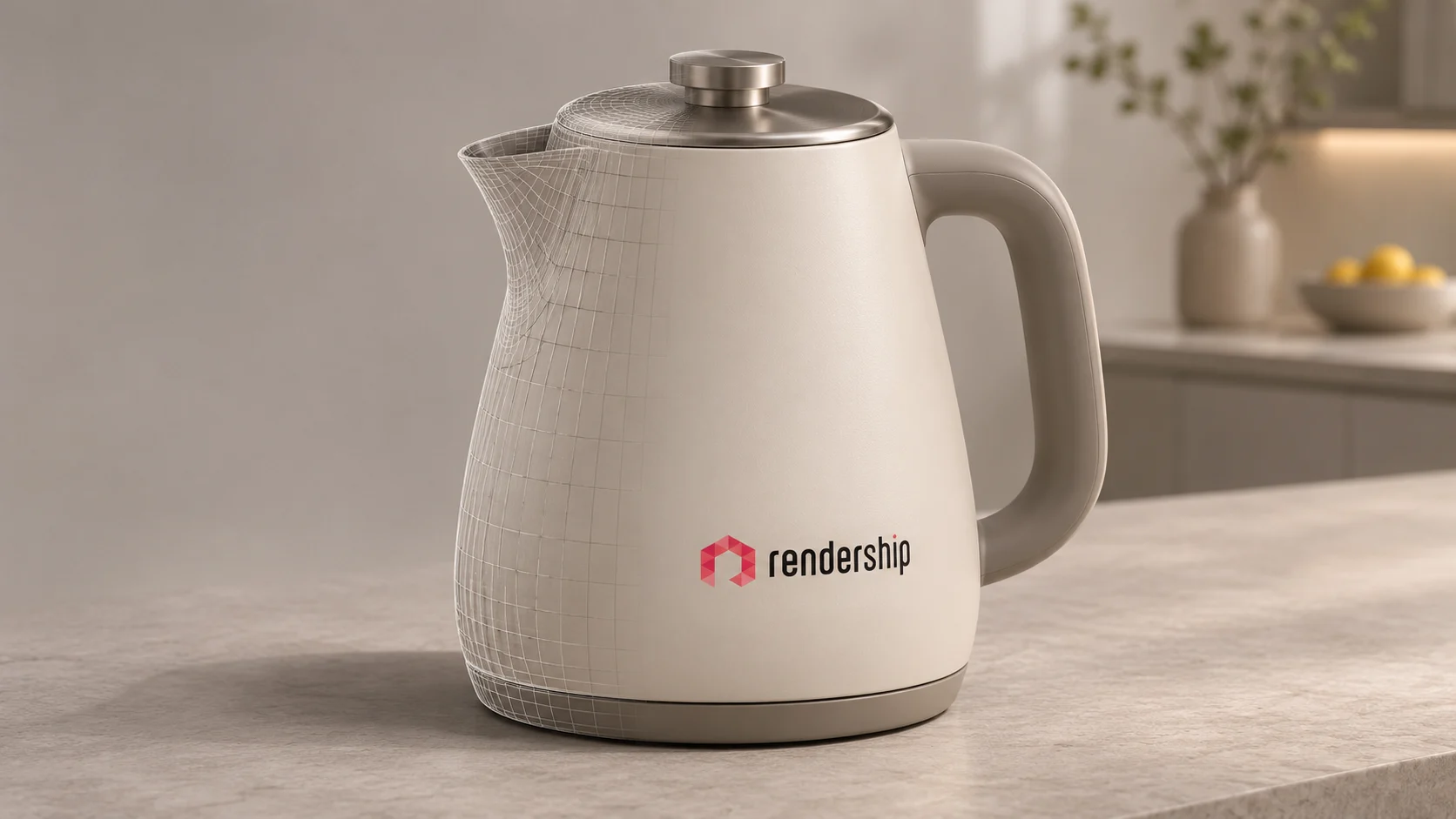
You may no longer need an agency every time you want to test a simple campaign idea or create an illustrative product scene. AI product visualisation makes it easier for small teams to explore different backgrounds and visual approaches. Accurately showing the details of a product for sale, producing a consistent set of images for a collection and managing later revisions require a different level of work.
This shift calls for a fresh look at the value agencies such as Rendership offer. A business does not have to outsource a straightforward task that its own team can produce and check. Professional support becomes more useful when the work calls for product accuracy, technical skills and an organised production process. The right choice starts with where the image will be used and what an incorrect detail could mean.
What does AI make easier in product visualisation?
When deciding how to present a new product, it helps to explore different ideas. Trying the same table lamp in a home office, a hotel room or a simple studio setting can help you choose a visual direction. At this stage, the aim may not yet be to produce the final sales image.
Generative image tools can be particularly useful for:
- Exploring colour, lighting and composition options for a campaign.
- Extending the area around a photograph or trying a suitable background.
- Creating illustrative scenes for presentations and idea discussions.
- Removing distractions in selected areas and assessing retouching options.
Adobe’s Photoshop documentation gives examples of these generation and editing features. How useful the result is depends on the starting image, the tool and the checks you carry out. Saving time on one step does not mean the whole project will cost proportionately less.
When can you work without an agency?
If you need a single image to assess an idea and technical details are not critical, trying it in-house can be a reasonable choice. This can work particularly well for clearly labelled concept images that do not need to reproduce the exact geometry of a specific product.
For example, you might be deciding whether to present a new collection against a light background or in a darker setting. A few AI experiments can help clarify the direction before you commit a budget. Remember to account for the time your team spends creating and checking the results.
Changing only the background of a real product photograph may also be manageable in-house. Check the product’s edges, reflections and contact shadows. Selecting an editing area outside the product does not guarantee that every tool will leave the product’s pixels unchanged.
If your team can assess the result, the usage rights are suitable and the scope is small, you may need little outside support. An agency simply offering similar images that you can comfortably produce yourself is not, on its own, a strong reason to hire one.
Does an attractive scene show the product accurately?
An AI-generated image can look convincing at first glance. Yet a tap handle may be slightly longer, a button on an appliance may have moved or a furniture fitting may have disappeared. On a product page, these details are part of a customer’s buying decision.
Look beyond the overall appearance when checking an image:
- Do the product’s silhouette, proportions and number of parts match the reference?
- Are buttons, connections, holes and joints in the right places?
- Are the logo, labels, dimension text and packaging information correct?
- Do the colour and finish match the variant the customer will receive?
- Does the image suggest a function or accessory that the product does not have?
Image generation tools are improving. Even so, OpenAI’s current guidance on limitations notes potential issues with precise text placement and the consistency of brand elements across separate generations. This does not make every AI image inaccurate; it gives you a reason to keep product-specific checks in the process.
An AI-generated marketing image is not, by itself, a dimensioned CAD model or engineering validation. Likewise, a 3D render created for visualisation does not prove a product’s structural strength, manufacturability or suitability for assembly.
Why does the process matter across multiple angles and variants?
Liking one image is different from approving every image of the same product. A handle needs to retain its shape in both the front and side views. Parts should remain unchanged across different finishes, and camera setups should be consistent throughout a catalogue.
Reference images and editing tools can help with consistency. However, details may still differ between independently generated outputs. For a large number of products and variants, clear file names, version tracking and a shared review checklist become particularly important.
An approved 3D product modelling project can provide a controlled basis for using the same geometry across different camera views. Materials and lighting can also be kept in an editable scene. The underlying file still needs checking: if the model is wrong, that error can carry through to every image.
How can 3D and AI work together?
In a hybrid workflow, the aim is to choose the right method for each stage. The product’s shape and critical details can come from an approved model, while AI helps explore settings and visual ideas. Adobe Substance 3D’s enterprise examples also show how existing 3D product data can be used alongside environments created with generative AI.
A product visualisation project could follow this process:
- Gather current product drawings, dimensions, photographs and material references.
- Confirm product accuracy in the model or photograph you will use.
- Explore setting and composition options with AI, then choose a suitable direction.
- Prepare the product with controlled cameras and lighting. If it will be used in a composite, check that shadows, reflections and perspective fit the scene.
- Compare the final image with the product reference. Recheck any generative edits made after the product was approved.
- Archive approved files, variants and delivery sizes with clear names.
Keeping the product on a separate layer or protecting it with a mask can help control where changes are made. A mask alone does not guarantee the result. Pay particular attention to the relationship between the product and its surroundings when working with polished metal, glass and other reflective surfaces.
How is the role of agencies such as Rendership changing?
An impressive final image may no longer be enough to judge the value of a visualisation agency. Use specific questions to assess the support you need:
- Which product file will be the reference, and who will approve its accuracy?
- Will different angles and variants be created from the same model?
- Where will AI be used, and which areas will be protected?
- How will revisions be handled when the product changes?
- How will source files, usage rights and delivery formats be defined?
You can assess Rendership’s 3D product visualisation service against these needs too. Professional support can make sense when you need technical modelling, material preparation and a consistent set of images. If you only need to test an idea, a smaller piece of work may be enough.
Using AI does not, on its own, make an agency good or bad. What matters is whether the proposed scope meets your actual needs and whether the result can be checked. When comparing quotes, include the work involved in review, corrections and later updates as well as image production.
Check rights and platform rules before publishing
Make sure you have the necessary rights to use the product photographs, designs and brand assets. Before uploading confidential product drawings to an AI service, review the client’s permission, the contract and the service’s data usage terms. Permission for commercial use is not a blanket guarantee that an output will avoid infringing another design or brand.
The sales channel’s rules matter too. For example, Google Merchant Center requires appropriate source metadata for generative AI images. Its product image requirements also focus on accurately depicting the product being sold. Do not assume these requirements apply identically to every website or marketplace. Check the current rules for the channel you intend to use.
Choose the right approach for your project
AI product visualisation makes it possible for businesses to handle some work in-house. The need for an agency depends on the product’s complexity, the number of images, the accuracy required and the team’s ability to check the results. Start by defining the images you need and the product details that must stay unchanged.
If you are considering working with Rendership, use our contact page to share your product, intended channel and the angles or variants you need. These details can form the basis for discussing the scope of modelling, visualisation and any AI-assisted stages.