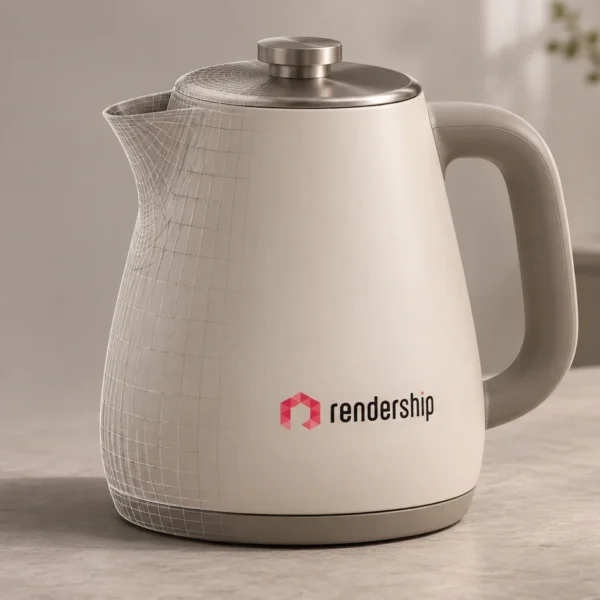
Product renders for Trendyol listings can help buyers examine a product before ordering. Clear views can explain its shape, features and available variations. The goal is to answer useful questions while representing the product accurately.
A better image is not a promise of higher sales or a specific search position. Price, availability, delivery and the wider buying experience also matter. Plan the visual work around the product and measure its effect rather than assume a fixed conversion increase.

Start with the listing requirements
Check Trendyol’s current requirements for the relevant category, market and upload method before preparing final files. Technical specifications and content rules can change. A visually attractive image still needs to meet the platform’s requirements.
For example, Trendyol’s official Product Create v2 documentation specifies image fields and technical requirements for API submissions. Use the guidance that applies to your seller workflow, and confirm category-specific rules in the seller resources. An API specification is not a substitute for checking the complete listing policy.
Choose views that answer customer questions
Begin with a clear view of the actual product configuration being offered. Then consider the details buyers need to understand. A close-up might show a connector, a surface finish or the relationship between parts.
Do not hide important details with dramatic lighting or an unclear camera angle. Product specifications and included items should agree with the image. A render can support those details, but it should not imply features or accessories that are not part of the offer.
Use cutaways and exploded views with care
A cutaway can explain internal relationships. An exploded view separates components to make an arrangement easier to follow. These techniques can be useful for technical products when the model contains the necessary information.
They do not prove material quality or engineering performance on their own. Have the relevant product specialist review the representation. Make an illustrative view clear enough that buyers do not confuse it with the product’s normal appearance or the contents of the package.
Present finish variations consistently
A digital scene can provide a starting point for images of different colours and materials. A consistent camera and lighting setup can make options easier to compare. Each image still needs to correspond to a real, approved variation.
Changes are not automatically instant or unlimited. New materials, geometry or review rounds can affect the production work. List the required variations in the brief, and use physical finish references where accurate appearance matters.
Add context where it helps
A contextual or lifestyle image can show how a product relates to its intended setting. It may complement a simpler product view, where the listing rules allow that format. Choose a setting that helps explain use without misleading the buyer about scale or included items.
For example, a product shown in a room still needs accurate dimensions in the listing. Decorative objects should not create uncertainty about what is being sold. Clarity is more useful than a scene that simply looks expensive.
Keep video and interactive assets in their own scope
An animation can explain movement, a feature or an assembly sequence. It requires a planned story and technical review in addition to the image work. Check whether the intended listing placement supports the format before production.
AR models and interactive viewers have different requirements from still renders. Do not assume that they are included or supported by a marketplace listing. Define the intended platform and experience separately.
Evaluate the result without inventing an algorithm rule
Keep a record of the listing changes and the available performance data. Consider whether customers ask fewer basic product questions or whether enquiry quality changes. Where seller reports provide visits and orders, compare relevant periods while noting changes to price, campaigns and stock.
This does not reveal a platform’s ranking formula. A visual change alone cannot establish why a product moved in search results. Avoid fixed claims such as a guaranteed percentage increase in conversion or a guaranteed ranking benefit from a particular background.
Prepare your product render brief
- Share the product and the exact variants being listed.
- Provide available CAD files, photographs, dimensions and finish references.
- List the views and details customers need to see.
- Confirm the applicable listing requirements and intended placement.
- Agree the review process and delivery formats.
Explore Rendership’s 3D product visualisation service to discuss a clear image set for your product. Visual production can support the presentation; marketplace account management, advertising and sales results are separate matters.